InmateSales
- 3.7
- Rating
- 500.00K
- Installs
- Free
- Price

 Analysis by App-foxy
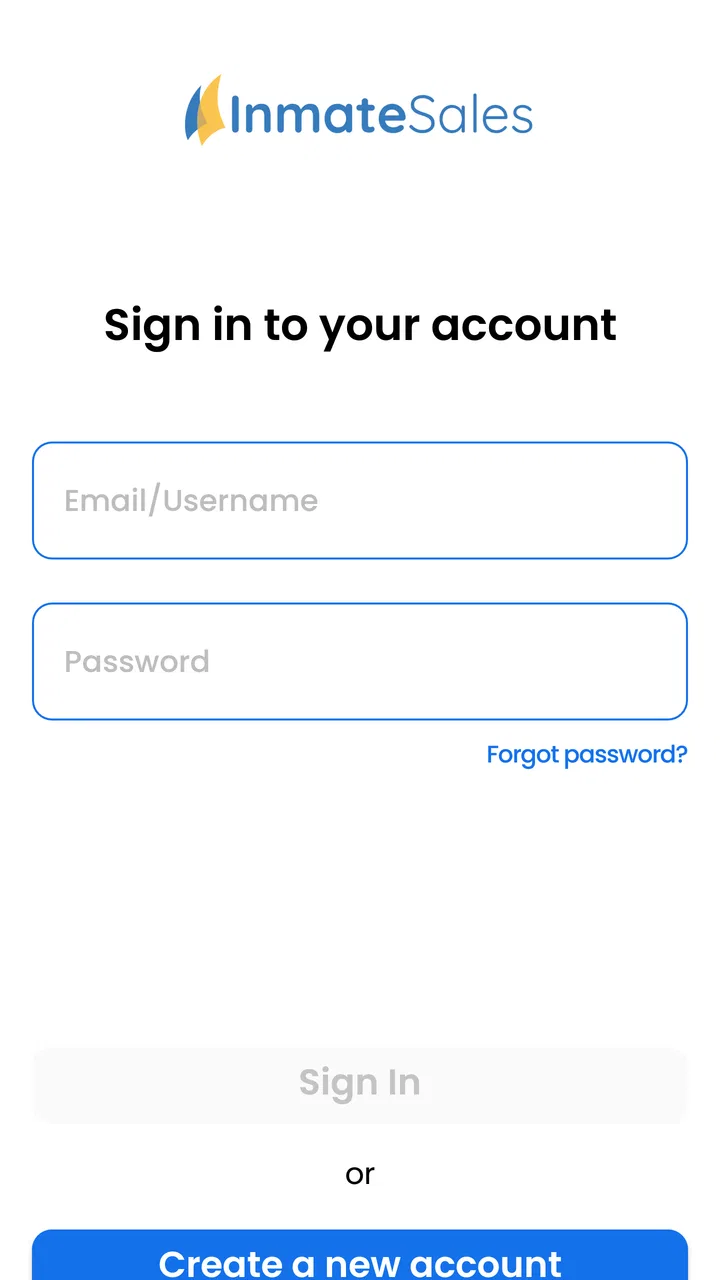
When a family member or friend is held at a facility that supports InmateSales, the practical problem is usually simple but stressful: you need to manage your account and get money to the right place without adding another trip, phone call, or confusing payment process. I approached InmateSales from that point of view. It is a free communication app from Combined Public Communication LLC, designed around account management and deposits at certain facilities rather than around general messaging or social networking.
That narrow purpose is important. This is not an app I would install for everyday conversations, and it is not a universal payment service. Its usefulness depends on whether the facility connected to your situation accepts the InmateSales system. When that condition is met, the app can put a necessary task in one place. When it is not met, the clean interface and focused purpose do not solve the underlying problem.
From needing to send support to completing a deposit
The starting condition is usually a person trying to support someone inside a participating facility. You may already have an InmateSales account, or you may be setting one up because a facility directed you toward this service. In either case, the first useful question is not whether the app looks polished. It is whether the relevant facility is available through the service and whether the account details you use match the intended recipient.
You May Also Like

 Google Keep - Notes and lists
Google Keep’s Quiet Growth Shows the Appeal of Simpler Notes
As mobile work gets busier, Google Keep keeps winning a simple contest: capture a thought quickly, find it later, and get on with the day.

 Blood Strike: 2.5 Anniversary
Blood Strike’s Loadouts Turn Every Drop Into a Tactical Gamble
A close look at Blood Strike’s custom loadouts: how fast access to signature weapons reshapes its battle royale rhythm, rewards preparation, and narrows the gap between fights.

 Pandora - Music & Podcasts
Pandora’s Music Is Easy to Start, but Harder to Recover
Pandora’s strength is its low-effort path from a seed to a station. Its weak spot is how much confidence it asks you to place in connection, setup, and quiet recovery.

 8 Ball Pool
 Is Built on Rivalries, Rematches, and Routine
A close look at the rivalries, rematches, shared routines, and unanswered safety questions that turn a quick pool match into a persistent mobile community.

 Samsung Music
’s Quiet Strength Is Playing What You Already Own
Its reach comes less from spectacle than from dependable access to a personal library. That simplicity is both the app’s strongest retention engine and its ceiling.

 AccuWeather: Weather Radar
AccuWeather Review: A Quick, Clear Forecast for Everyday Decisions
For everyday plans, the best forecast is the one you can understand quickly. AccuWeather makes rain timing, radar, and local conditions easy to act on, with a few trade-offs.
More From Our News Desk



I like treating that first check as part of the workflow rather than rushing straight to payment. Apps connected to correctional facilities are sensitive to small errors: a misspelled name, an incorrect identification detail, or choosing the wrong facility can turn a straightforward task into a support issue. InmateSales gives you a mobile route for managing the account and making deposits, but the responsibility for checking the destination still belongs with the user.
The app is rated for Everyone, which makes sense for a utility that may be used by relatives, friends, and other authorized supporters. It runs on Android devices using version 8.0 or later. That broad compatibility is helpful if the person managing the account uses an older phone, although I would still keep the operating system and the app itself updated when possible. The current version is 1.10.1-b605150303, so checking for updates before an important transaction is a sensible habit.
Setting up the task before touching the payment screen
My preferred approach is to gather the information needed before opening the deposit flow. Have the recipient’s facility and identifying details available, and decide how much you intend to send before beginning. This reduces the chance of switching between messages, notes, and the app while a transaction is in progress.
That small preparation step is one of the less obvious advantages of using a dedicated app. A general banking app may be excellent for moving money, but it does not organize the facility-specific context around the transfer. InmateSales is more focused: the account and deposit task are tied to the correctional setting instead of being mixed with rent, shopping, subscriptions, and ordinary bank activity.
There is also a useful distinction between managing the account and completing a deposit. If you only need to review or maintain your InmateSales account, you may not need to start a transaction at all. If your goal is to put funds into the appropriate account, slow down at each recipient and facility selection. The most important screen is not necessarily the final confirmation; it is the point where you establish where the money is intended to go.
Moving through the deposit workflow
Once the account is ready, the basic flow is deliberately direct: open the app, manage the InmateSales account, identify the applicable facility or recipient, and proceed with the deposit process presented for that location. I found that this focused structure is easier to understand than a broad communication app that buries financial actions among messages, calls, or unrelated services.
The trade-off is that focus can feel restrictive. InmateSales is built for a particular account and facility workflow, not for comparing several financial services or handling all household payments. If you are looking for budgeting tools, bank transfers, bill reminders, or a complete personal-finance dashboard, this is the wrong category of app. Its value comes from completing one specialized job with fewer unrelated choices.
Before confirming anything, I would review the selected facility, recipient information, and amount as if I were checking an address on a parcel. A deposit is not the moment to rely on memory. If another family member gave you the details, compare them carefully with what appears in the account. This is especially useful when the same person has moved between facilities or when several relatives are using the same service.
The best practical habit is to treat every deposit as a two-stage check: destination first, amount second. That habit is more valuable than speed. It also makes handoffs easier when one person gathers information and another person actually completes the transaction.
Where the handoffs happen
Real use rarely involves only one person. A relative may receive the facility information, another person may manage the account, and the person inside the facility is ultimately waiting for the result. InmateSales works best when those handoffs are explicit. I would keep a private note with the facility name and the relevant account details, then tell the other person exactly what was selected and when the deposit was made.
That does not mean sharing login credentials. In fact, separating information sharing from account access is a safer workflow. One person can provide the recipient details while the account holder keeps control of the InmateSales account. This avoids the common temptation to pass around a password simply because several people want to help.
The app’s communication category can also create an expectation that it offers broad contact tools. I would not make that assumption. Its stated role is account management and deposits at certain facilities, so I see it as a support utility rather than a replacement for phone calls, letters, video services, or other approved communication channels. If your main goal is direct conversation, a facility’s dedicated calling or messaging option may be more appropriate.
Another handoff occurs between the mobile app and the facility’s own processes. InmateSales can provide the account and deposit route, but the facility determines how its systems handle the funds and when the recipient can use them. That makes it important to keep the confirmation details and communicate clearly with the recipient or family contact instead of assuming that tapping the final button equals immediate access.
What the completed result looks like
The successful outcome is modest but meaningful: you have managed the account and submitted a deposit through the service used by the relevant facility. For someone supporting a person in custody, that can remove a layer of administrative work. You do not need to treat the task as a full banking project; you can return to the same dedicated app when the need arises.
I can see the app being particularly useful for a family member who lives far from the facility. A realistic scenario would be a sibling receiving a request for funds, checking the facility information with another relative, opening InmateSales from home, and completing the deposit without coordinating a visit. The important benefit is not entertainment or constant engagement. It is having a repeatable mobile path for a task that may otherwise feel fragmented.
It is also useful for occasional users because the purpose is easy to remember. You are not expected to learn a large collection of tools. The app’s narrow design means that, once you understand the account and facility relationship, returning to the same workflow should be less intimidating than starting from a general search each time.
At the same time, I would not judge success only by how quickly the deposit screen appears. A good result includes knowing which account was used, which facility was selected, and what information should be passed to the recipient or family contact. Keeping those details organized makes future deposits less error-prone and reduces repeated questions among relatives.
Where the process can break
The biggest limitation is the phrase “certain facilities.” InmateSales is not automatically useful for every correctional location. If the facility you need is outside its supported network, the app cannot become a universal workaround. You may need to use the facility’s own website, a different approved provider, or another payment method. I would verify facility compatibility before spending time setting up an account.
A second source of friction is the gap between a submitted deposit and the recipient’s ability to use it. The app handles the account and deposit side, but the facility’s internal procedures still matter. If the recipient says the funds are not available immediately, that does not necessarily mean the mobile workflow failed. Keep the transaction information, check the account status, and contact the appropriate support channel when the issue cannot be resolved inside the app.
There is also a human-factor problem. People often use these services under pressure, after receiving an urgent request or while trying to help from another location. That is exactly when an incorrect facility or recipient selection becomes more likely. I would avoid completing a deposit while distracted, especially if several accounts or facilities appear in the same session.
The app’s average rating is 3.9 from around 1.4 thousand ratings, with roughly 465 written reviews. I read that as a sign of a useful but not universally smooth experience. A rating in that range does not tell me that the app is unusable; it suggests that reliability, account situations, and facility-specific expectations may vary enough that some users encounter friction. I would install it for a supported need, not because I expect a flawless general-purpose finance app.
How it compares with the usual alternatives
Compared with a facility website, the mobile app may feel more convenient for someone who handles deposits from a phone. A website can still be the better choice when you need a larger screen, more room to inspect account information, or access from a computer. For a one-time task, using the official web route may also be simpler if you do not expect to make future deposits.
Compared with a general banking app, InmateSales has the advantage of being tied to the correctional-facility workflow. A bank app can move money efficiently, but it usually does not know which facility and recipient structure your deposit needs to follow. The trade-off is flexibility: your bank is useful for many financial tasks, while InmateSales is useful only within its supported account and facility context.
Compared with ordinary communication apps, this service serves a different need. Messaging apps are better for conversations, while InmateSales is aimed at account management and deposits. If you install it expecting chat, calls, or a social feed, you will likely be disappointed. If you need the financial-support function connected to a participating facility, that narrowness is exactly why it can be worthwhile.
For people who regularly support someone in custody, a dedicated app can also be easier to explain to other family members than a collection of unrelated links and instructions. For people who only need to send money once, however, the setup effort may not justify keeping another app on the phone. In that case, the facility’s preferred alternative could be more practical.
Privacy, account control, and everyday discipline
Because the app relates to deposits and a person in custody, I would handle it like any other sensitive account. Use your own account rather than sharing access casually, lock your phone, and avoid saving personal details in an exposed note or message thread. These are not glamorous tips, but they matter more here than decorative features would.
I would also separate the question “Can I use this app?” from “Should I use this app on this device?” If you share a phone with other people, or if several relatives need access, decide who will be the account holder before creating duplicate accounts. A single, clearly managed account can make handoffs easier, while informal sharing can create confusion about which transaction belongs to whom.
Another practical tip is to record the outcome without recording more sensitive information than necessary. Note the date of your action and the recipient or facility in a secure place, but do not circulate screenshots containing account details through a large family group. This creates a useful trail for follow-up while limiting accidental exposure.
Who should use it and who should skip it
I would recommend InmateSales to someone who has confirmed that a relevant facility supports the service and who wants a mobile way to manage the account or make deposits. It is also a reasonable choice for families who repeat the same task and prefer a dedicated workflow over searching for the correct facility page each time.
I would be more cautious if you are dealing with an unfamiliar facility, an urgent first-time payment, or conflicting recipient information. In those situations, confirm the details before relying on the app. If the facility does not appear to support InmateSales, skip the installation and use the channel it officially accepts.
I would also skip it if your actual need is communication rather than deposits. Its category may make it sound broader than it is, but the useful purpose is specific. Someone looking for calls, messages, or general family contact should investigate the communication service approved by the facility instead of expecting this app to provide all of those functions.
My overall experience with the workflow
After looking at the complete path from a support request to a completed deposit, I see InmateSales as a specialized tool that earns its place when the facility connection is right. The strongest part is the focused route: account management and deposits are kept together instead of being lost inside a general financial app. The weakest part is the dependency on facility compatibility and on the processes that happen after the mobile submission.
It is free, available to a broad age group, and has more than half a million installs, so it is clearly reaching a substantial audience. Those figures do not turn it into a universal solution, but they do make it a familiar option for people handling this particular responsibility. The developer, Combined Public Communication LLC, has kept the app centered on the InmateSales account rather than trying to make it serve every kind of communication.
My recommendation is straightforward: confirm the facility first, prepare the recipient details, use the app deliberately, and keep the confirmation information for the handoff afterward. If those conditions fit your situation, InmateSales is a practical communication-category utility for managing deposits without unnecessary detours. If they do not, a facility-specific website or another approved service will be the better route.
In short, I would not install it out of curiosity, and I would not compare it with ordinary messaging apps as if they solved the same problem. I would install it when a supported facility directs me to this workflow and I need a repeatable way to manage the account from a phone. Used with careful checking and realistic expectations, it can make a stressful administrative task more manageable.
FAQs for InmateSales
01What is InmateSales and how does it work?
InmateSales is a communication app designed to facilitate interactions between inmates and their families or friends. It allows users to schedule video calls, send messages, and even deposit funds into an inmate’s account. The app connects users to a secure network, ensuring that all communications comply with facility regulations.
02Is InmateSales available on both Android and iOS devices?
Yes, InmateSales is available for download on both Android and iOS platforms. Users can find the app on the Google Play Store for Android devices and the Apple App Store for iOS devices. Ensure your device meets the app's compatibility requirements for a seamless experience.
03Are there any fees associated with using InmateSales?
Yes, using InmateSales involves certain fees, which may include charges for video calls, message services, and fund transfers. These fees vary depending on the facility and the type of service. It is advisable to review the pricing details within the app or on the official website before proceeding.
04How secure is the InmateSales app for communication?
InmateSales prioritizes security by using encryption and other protective measures to ensure that all communications are private and secure. The app complies with all necessary regulations and guidelines set by correctional facilities to protect user data and maintain confidentiality.
05Can I use InmateSales internationally?
Usage of InmateSales can vary depending on the facility’s policies and international regulations. While the app is accessible from various locations, it’s essential to verify with the specific correctional facility if international communication is permitted. Always check for any restrictions or additional requirements before using the app abroad.
Pros
- User-friendly interface for easy navigation.
- Secure payment options for peace of mind.
- Multiple communication methods available.
- Reliable customer support for assistance.
- Detailed transaction history for tracking.
Cons
- Limited availability in some regions.
- Occasional connectivity issues reported.
- Some features require premium access.
- Interface may lag on older devices.
- Lack of offline functionality.

InmateSales
Gallery